Apple / iOS
Scan with an iPhone or iPad to open the official configuration profile.
 EnglishAvailable
 繁體中文Available
 日本語Available
 한국어Available
 EspañolAvailable
 FrançaisAvailable
 DeutschAvailable
 PortuguêsAvailable
 ItalianoAvailable
 РусскийAvailable
 العربيةAvailable
 اردوAvailable
 فارسیAvailable
 हिन्दीAvailable
 বাংলাAvailable
 TürkçeAvailable
 Tiếng ViệtAvailable
 ไทยAvailable
 Bahasa IndonesiaAvailable
 Bahasa MelayuAvailable
 FilipinoAvailable
 УкраїнськаAvailable
 PolskiAvailable
 NederlandsAvailable
 SvenskaAvailable
 NorskAvailable
 DanskAvailable
 SuomiAvailable
 ΕλληνικάAvailable
 ČeštinaAvailable
 SlovenčinaAvailable
 MagyarAvailable
 RomânăAvailable
 БългарскиAvailable
 HrvatskiAvailable
 СрпскиAvailable
 BosanskiAvailable
 SlovenščinaAvailable
 ҚазақшаAvailable
 МонголAvailable
 KiswahiliAvailable
 БеларускаяAvailable
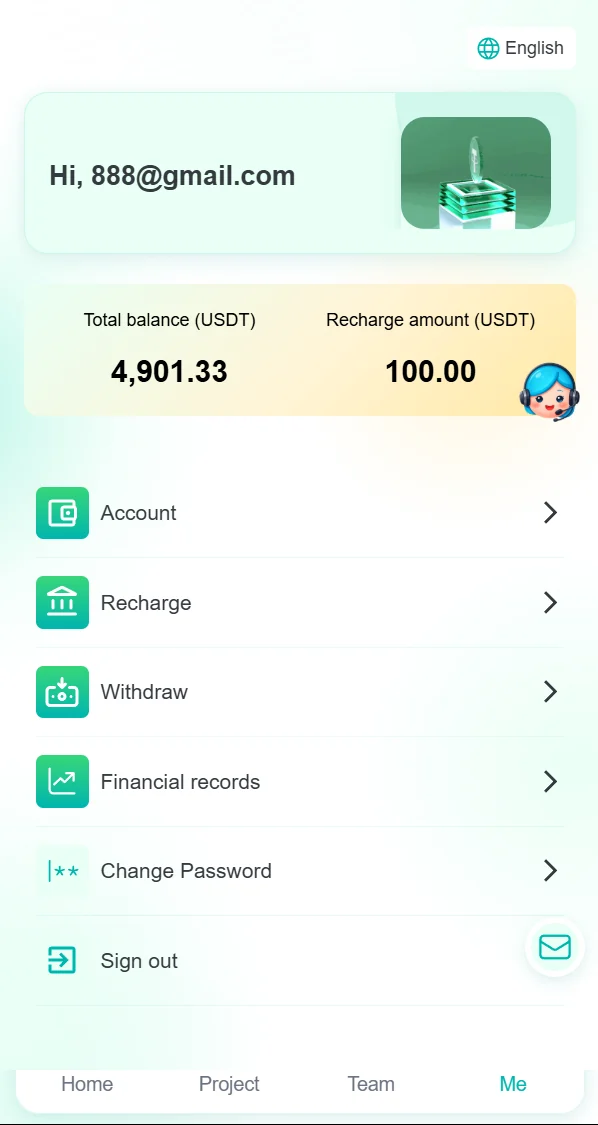
Use the RGD2018 APP for account creation, login, plan actions, task submissions, agency tools, records, and support.
Detecting your device. No download or navigation starts automatically.
Choose the QR code that matches your phone. Scanning opens the official Apple profile or Android APK destination; no download starts automatically on this desktop page.
Scan with an iPhone or iPad to open the official configuration profile.
Scan with an Android phone to open the official APK file.
Use the official configuration profile and complete installation in Apple Settings.
Tap Download Apple Profile below and confirm the download when your browser asks.
Open Settings. If Profile Downloaded appears, tap it; otherwise go to General, then VPN & Device Management.
Select the downloaded RGD2018 profile, review the system information, then tap Install and follow the on-screen prompts.
Return to your Home Screen after installation. Keep Apple security protections enabled and use only this official website source.
Installation begins only after you tap the button and approve the Apple system prompts.
Download the official APK, review the Android prompts, and install it from your browser or Downloads app.
Tap Download Android APK below and confirm the file download when your browser asks.
Open the downloaded APK from your browser notification or the Downloads app.
If Android asks whether this source may install this app, review the prompt and enable permission only for the browser or file app you are using.
Return to the APK and tap Install. Keep Android security protections enabled and use only this official website source.
Installation begins only after you tap the button and approve the Android system prompts.
After installing the official APP, use it to create your account, log in, and access RGD2018 services.
Account access, purchases, applications, downloads, and support open in the RGD2018 APP or an approved external destination. This control is disabled until its official URL is added to assets/config.js.
assets/config.js